Mobiconnect WhatsApp Desktop
Transform Your Business Communication
Automate messages, and manage contacts with AI-powered intelligence.
What's New in Version 3.0.0
We've packed this release with powerful new features, improvements, and fixes to supercharge your WhatsApp marketing workflow.
Enhanced
6 improvements
-
Revamped Dashboard UI for a smoother experience
-
Support button now includes official WhatsApp API provider and company details
-
Removed unnecessary device socket reconnection reloads
-
Device recognition enabled across all modules
-
Label Export in Group Grabber (Experimental)
-
Improved Number Filtering accuracy
Fixed
2 bug fixes
-
Fixed Contact Group Name Editing issue
-
Resolved Campaign Pause issue
✅ All critical issues resolved
Added
4 new features
-
Live Chat Module with basic CRM features
-
Cloud-Based Licensing System for enhanced security
-
Device restrictions during license generation
-
Option to disable licenses when required
Everything you need to automate WhatsApp
Powerful features designed to streamline your WhatsApp communication and boost your business productivity with cutting-edge automation.
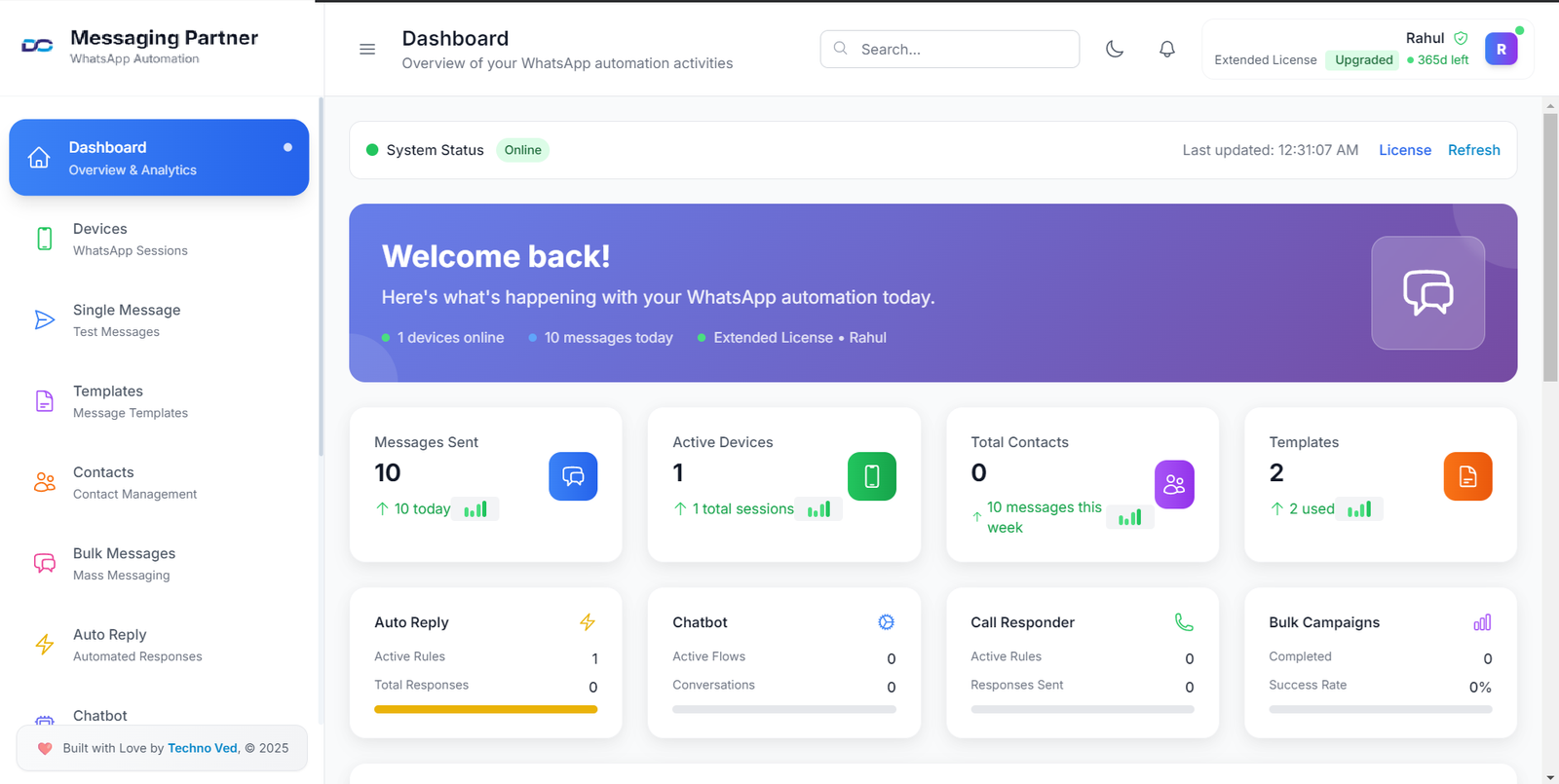
Multi-Device Support
Connect and manage multiple WhatsApp accounts from a single desktop application with seamless synchronization.
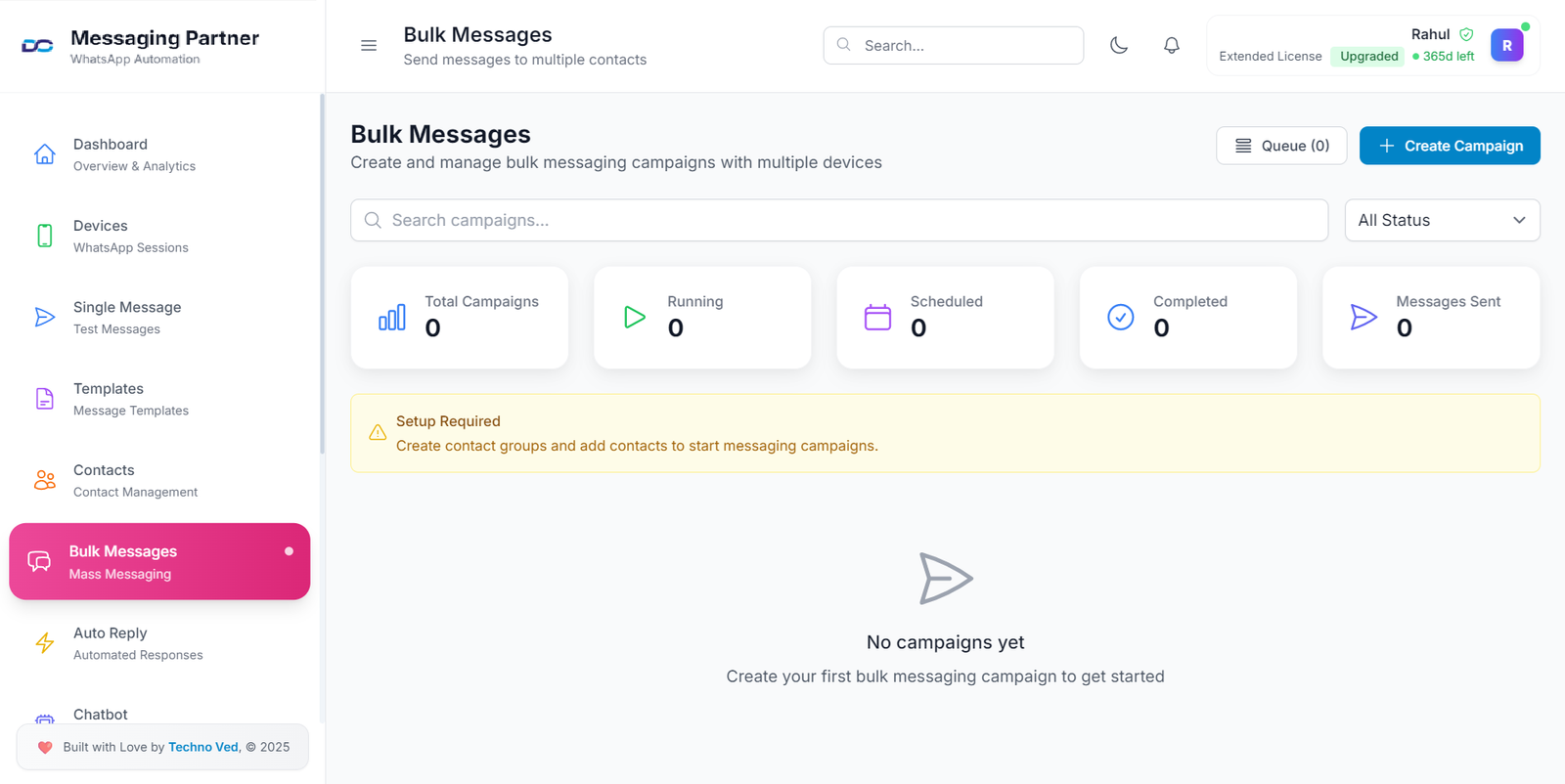
Bulk Messaging
Send personalized messages to multiple contacts simultaneously with smart scheduling and delivery optimization.
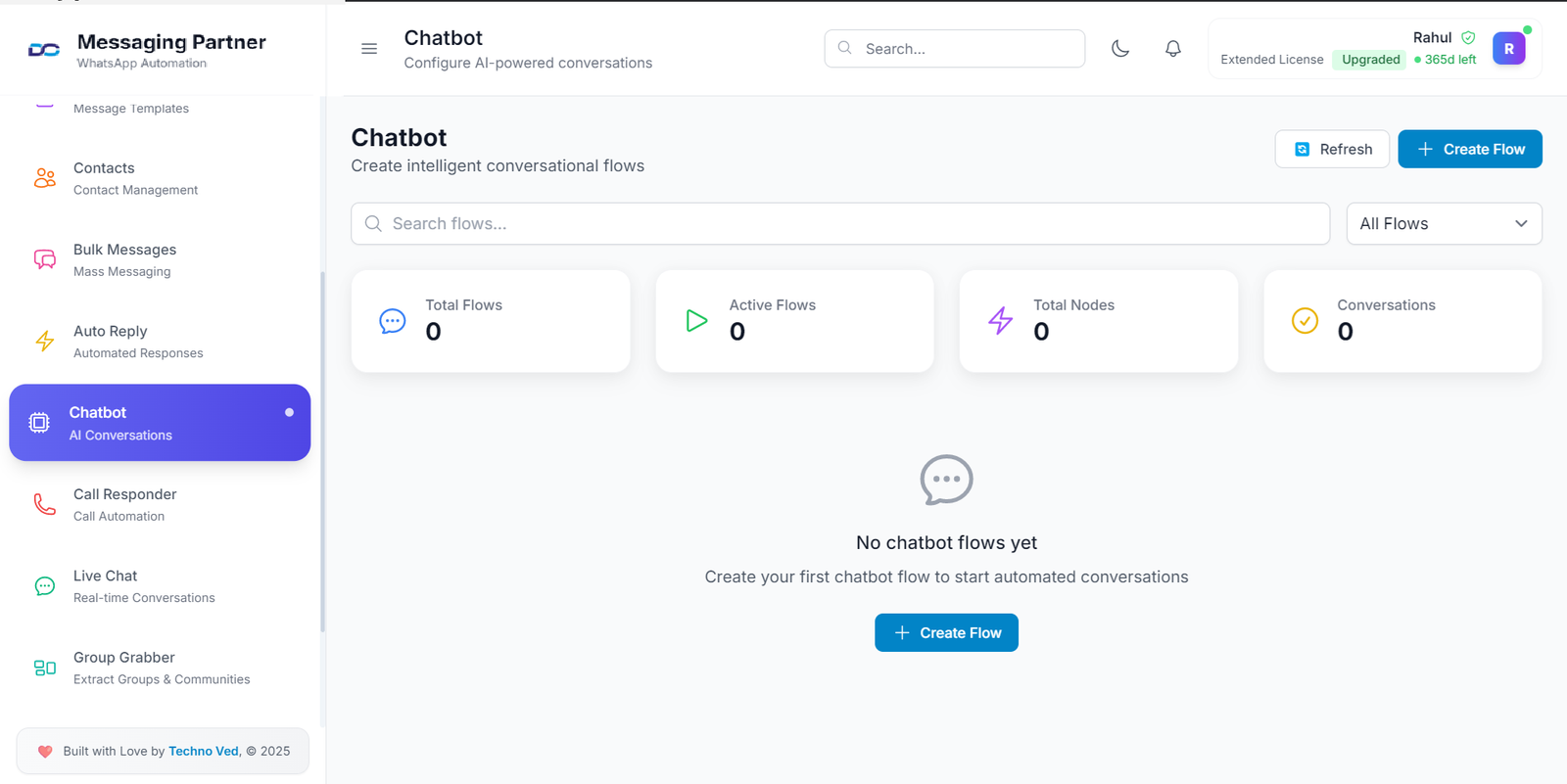
Chatbot
Intelligent automated responses powered by advanced AI to handle customer inquiries 24/7 with human-like interactions.
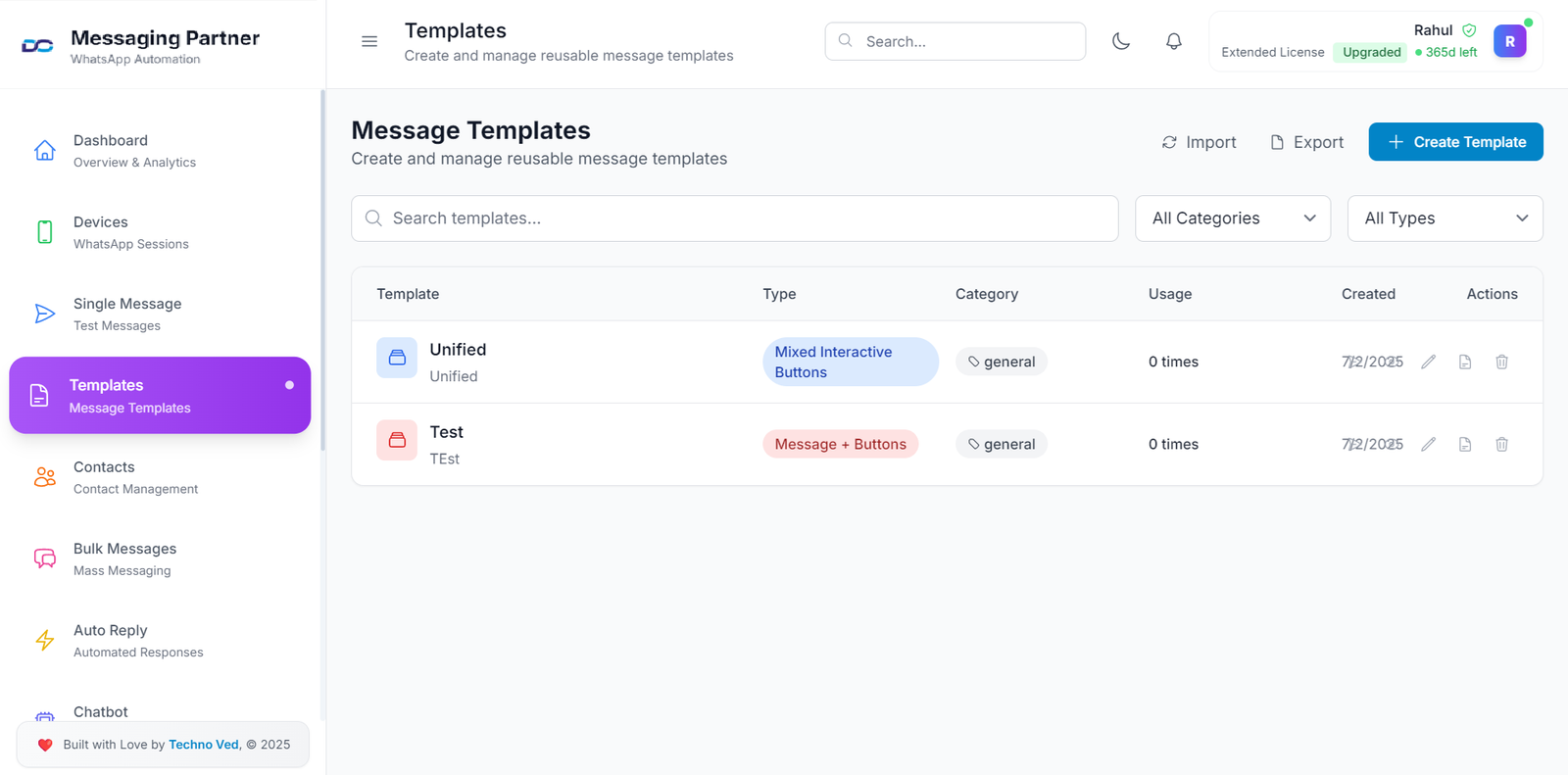
Message Templates
Create and manage reusable message templates for consistent communication.
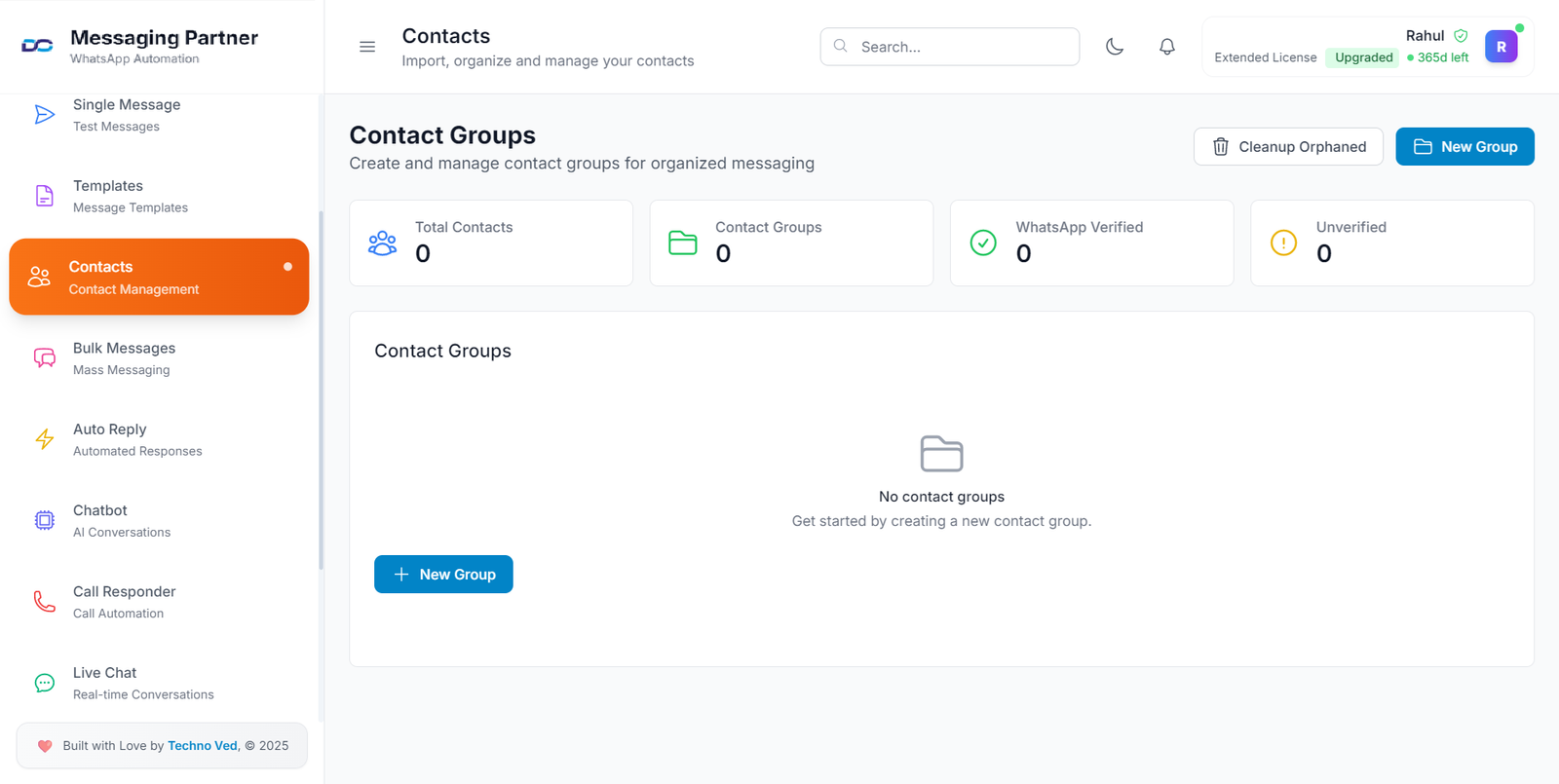
Contact Management
Import, organize, and manage your contacts with advanced filtering and grouping.
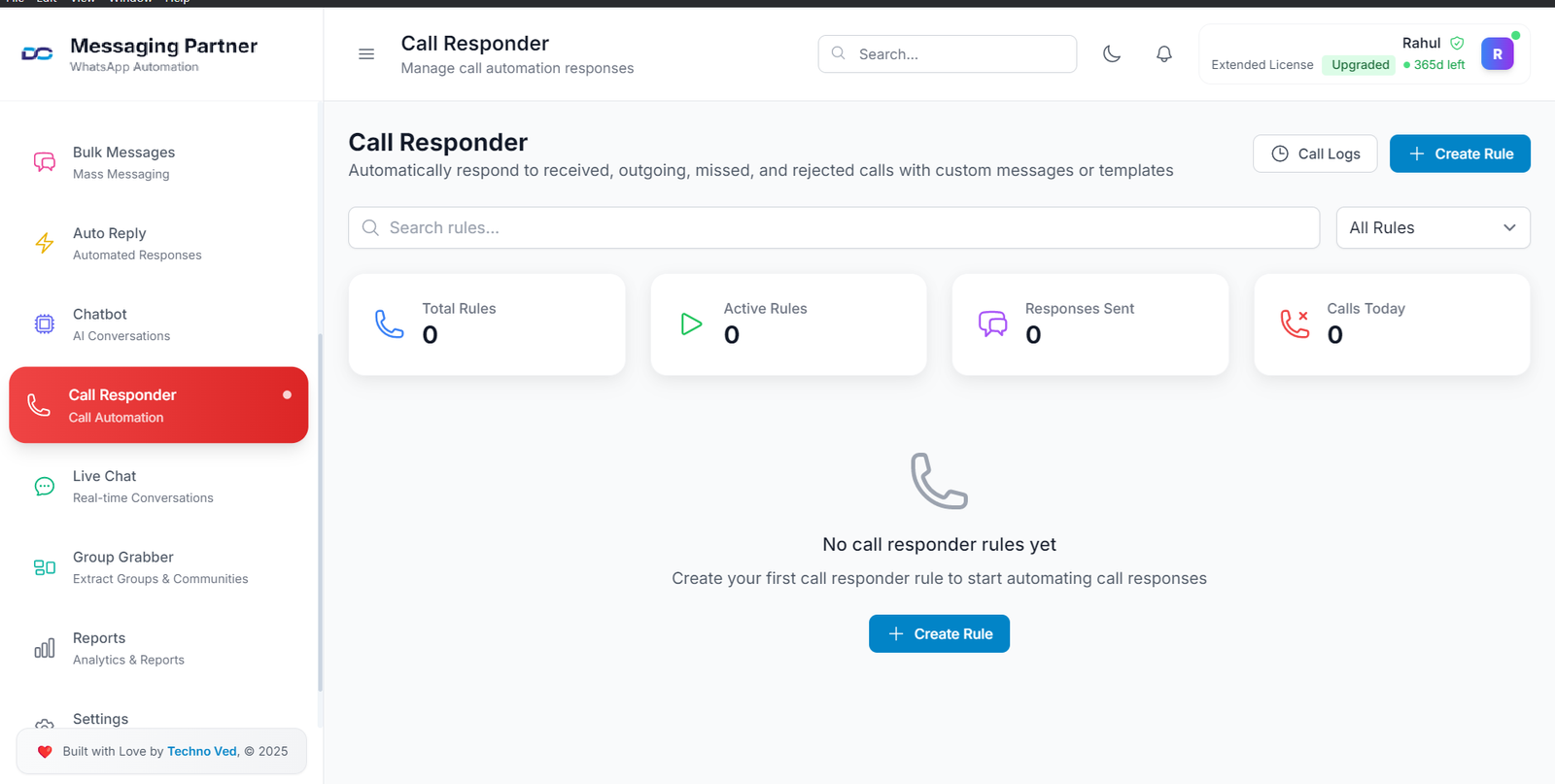
Call Automation
Automated call responses and scheduling to streamline your communication workflow.
All Plans Include
Unlimited WhatsApp messaging
Send unlimited messages to any WhatsApp number without restrictions
Bulk message campaigns
Send mass messages to multiple contacts simultaneously with smart scheduling
AI-powered auto-reply
Intelligent automated responses based on message content and context
Advanced chatbot builder
Create custom chatbots with conditional logic and branching conversations
Multi-user collaboration
Team access with role-based permissions and shared contact management
Multi-device sync
Access your WhatsApp from multiple devices with real-time synchronization
Message templates library
Pre-built templates for common business scenarios and quick responses
Advanced contact management
Organize contacts with tags, groups, and custom fields for better targeting
Watch.Learn.Done Simply.
See Mobiconnect in action. Watch our tutorial and learn how to automate WhatsApp business communication.
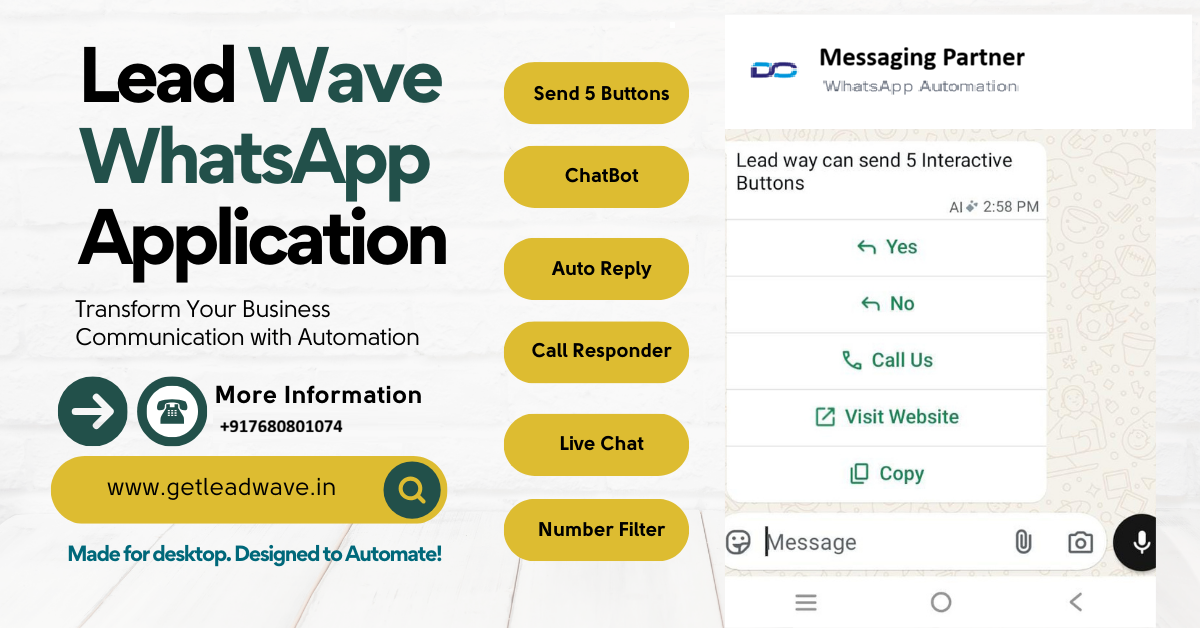
Step-by-Step Guide
Complete walkthrough from installation to advanced features
Quick Setup
Get started in minutes with our easy setup process
Pro Tips
Learn advanced techniques to maximize your results
Ready to Get Started?
Download Mobiconnect and start automating WhatsApp conversations in minutes.
Get Your Free Demo
Experience Mobiconnect’s automation features firsthand. Follow these simple steps to get started with your free demo.
Download & Install
Download the Mobiconnect desktop app and install it on your computer. The setup takes just a few minutes.
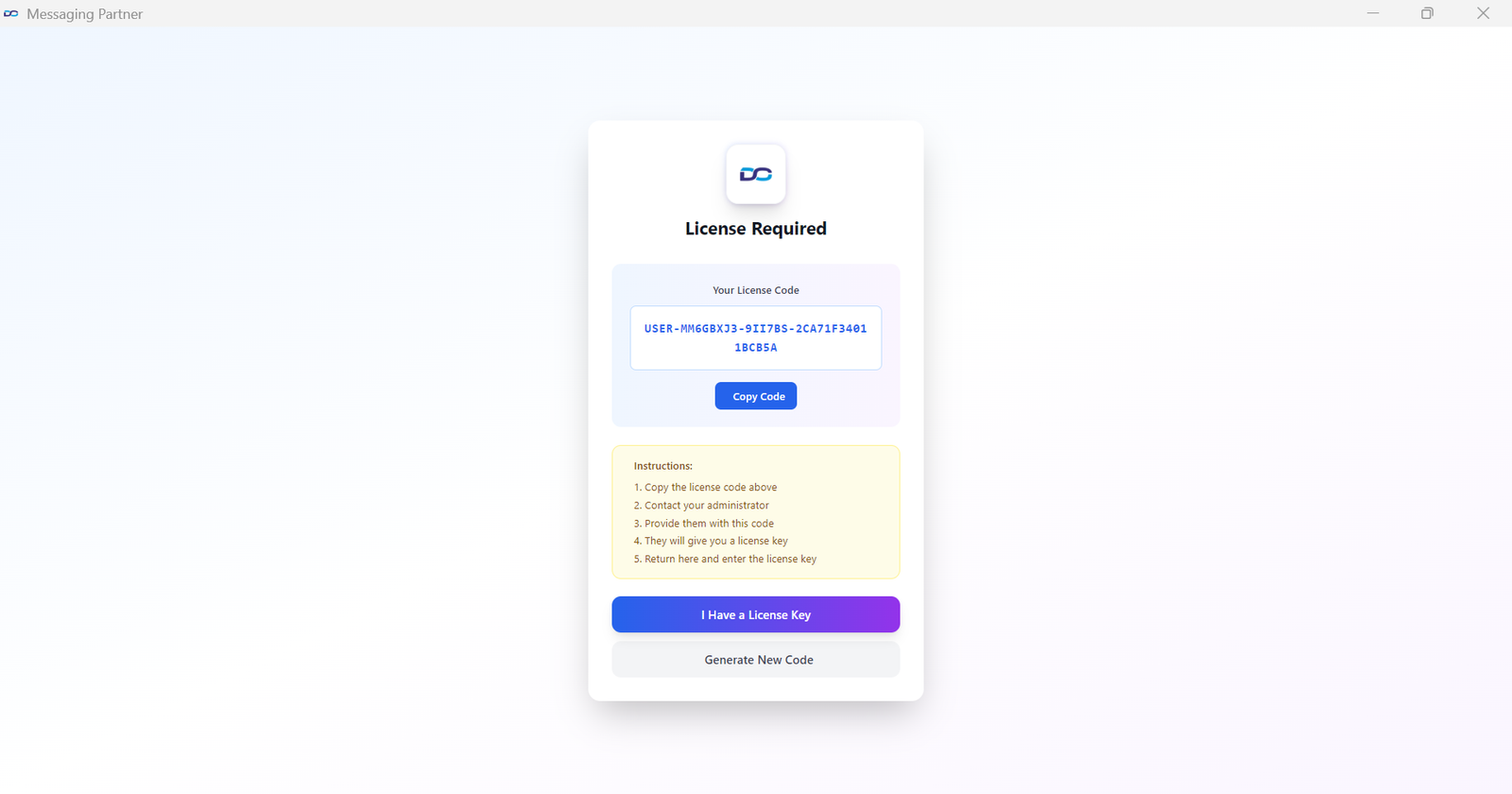
Get Your License Code
After installation, the app will display a unique license code. Copy this code as shown in the first screenshot below.
Share on WhatsApp
Send your license code to our WhatsApp number +91 70666 78774. Our admin will reply with your License Activation Code within minutes.
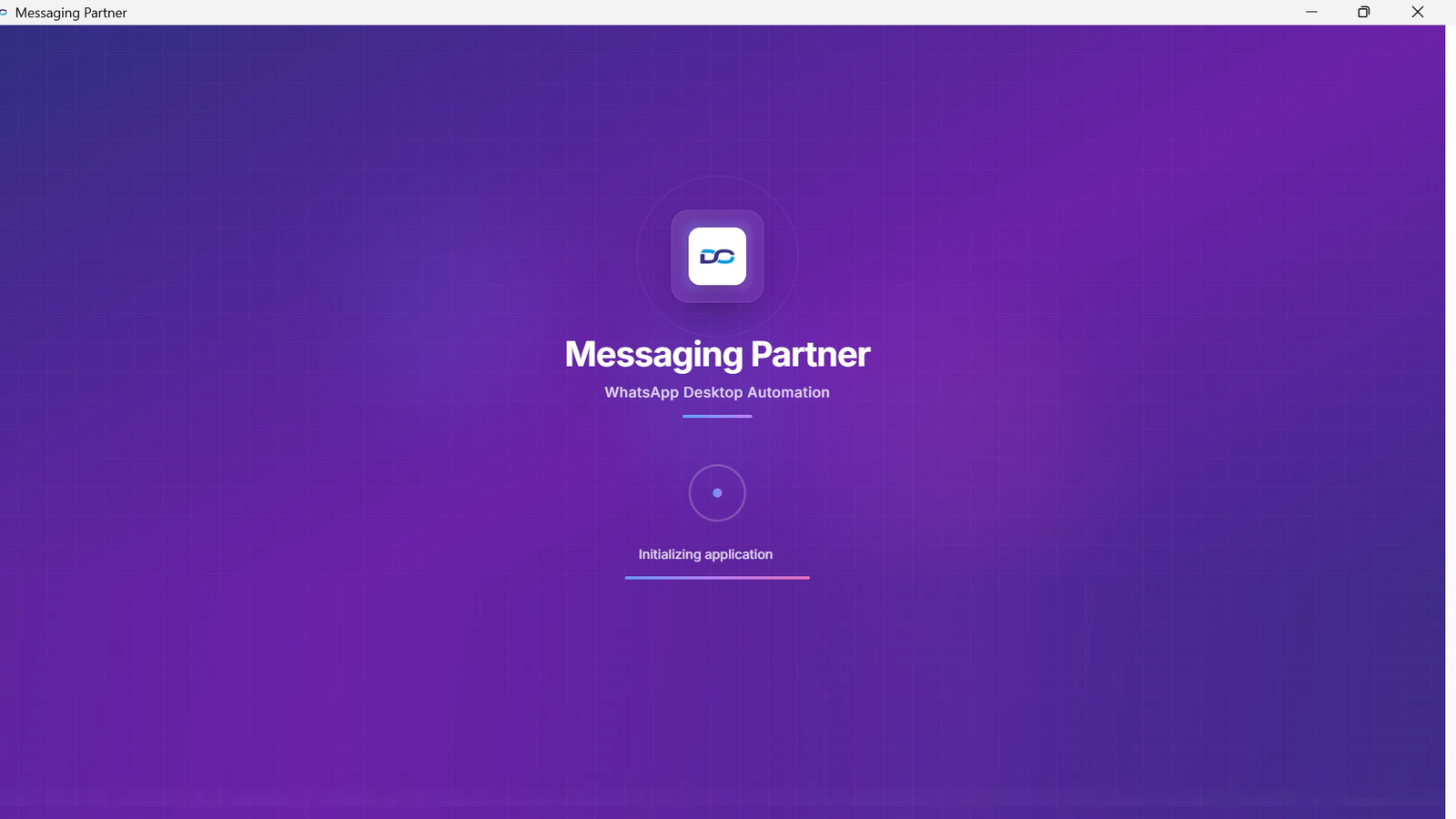
Enter Activation Code
Enter the License Activation Code you received from our admin into the app to unlock all features.
Start Using Mobiconnect
Once activated, you can immediately start automating your WhatsApp business communications and managing contacts.
Complete Activation Process
Follow these visual steps to activate your Mobiconnect application and start automating WhatsApp communication.
After Installation
Copy your unique license code and send it via WhatsApp
After WhatsApp Response
Enter the activation code received from our admin
Official WhatsApp API & Desktop App plans built for your workflow
Pick the right setup based on your business model, daily volume, team size, and compliance needs. Choose the Official API track for brand-safe growth, or the Desktop App track for fast outreach and high-velocity campaigns.
WhatsApp Official Plan
WhatsApp Business API Growth
Verified brand messaging with approved templates, CRM integrations, automation journeys, and team inbox routing—ideal for stable, long-term delivery.
Best For
Brands, clinics, education, agencies, ecommerce support
Setup Includes
API onboarding, verification, template flow, chatbot, dashboard
- Green-tick readiness guidance with Meta-compliant funnel planning
- Template-based broadcast campaigns with analytics tracking
- Lead capture to CRM, automated follow-ups, agent routing, and support flows
- Retargeting, catalogs, payment reminders, and nurture automation
Recommended Outcome
Trust-based conversion system for long-term scaling without delivery instability.
Desktop Application
Desktop Bulk Marketing Engine
Fast campaign launch, bulk outreach, number filtering, group data extraction, and sales-focused messaging workflows.
Best For
Resellers, local marketers, rapid outreach teams, internal sales ops
Setup Includes
Desktop software, account rotation guidance, filters, templates
- Bulk sending with personalization, smart delays, and sequence logic
- Contact & group extraction, live chat, labels, and campaign segmentation
- Multi-number operations with team process and execution SOP guidance
- Fast demo-to-deployment support to reduce time-to-launch
Important Note
For aggressive outreach use cases, operational discipline is critical. We’ll share the right process and safeguards during onboarding.
Ready to transform
your WhatsApp communication?
Join 300+ businesses using Mobiconnect Desktop to automate WhatsApp workflows and boost team productivity.